QA fixture · v1 · multi-layer hero

Really Build pages that survive the editor.

This hero stacks a gradient layer, a photo layer, two blurred decorative blobs, overlapping images and a floating badge — every layer a different technique.
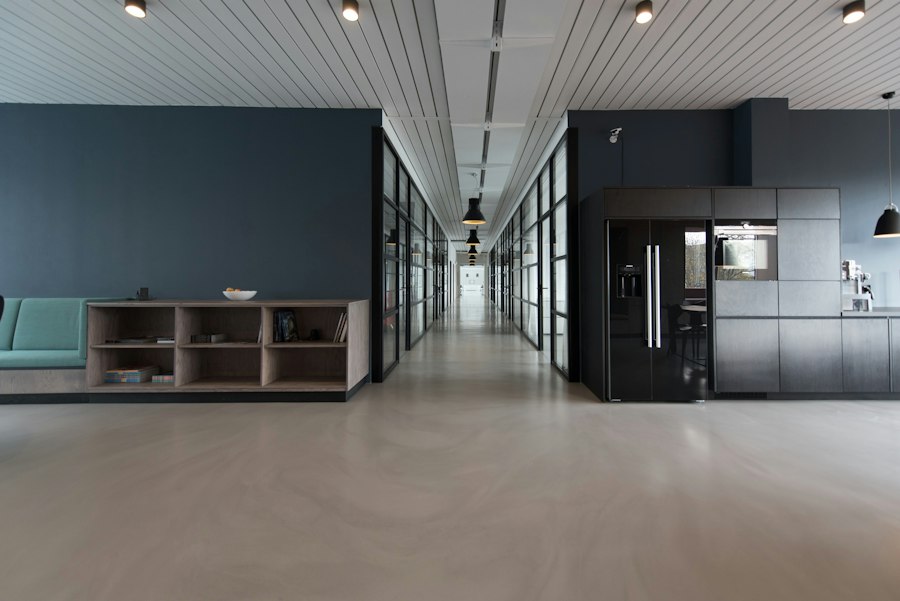

Bright open office with desks Team collaborating around a laptop
98%editable layers
Feature grid · CSS grid + pseudo-element numbers

Six cards, six implementations

Plain card

Heading and paragraph as direct text nodes.

Deeply nested

Text three containers deep, inside nested spans.

Dark variant

Colours come from a modifier class overriding the base card.

Gradient border

Border drawn by a background-clip gradient trick.

Pseudo label

The “NEW” ribbon is CSS ::after content.

Variable-driven

Accent colour set by a local custom property.

Sticky notes on a planning wall
Alternating row 1 · image left

Plan in public

Image on the left, copy on the right. On mobile they stack.

See layouts

Developers working at desks
Alternating row 2 · order reversed by CSS

Ship with confidence

Same HTML order as row 1, but CSS order swaps the visual sides.

See styles
Testimonials · JS slider

What testers say

“The selection outline found the nested span on the first click.”

— Mina R., QA lead

“Resetting padding did exactly one side. As it should.”

— Dev P., front-end

“I changed one word’s colour without touching the paragraph.”

— Lena K., marketer
1 / 3
FAQ · native details/summary

Questions

Is this content real?

No. Everything here is a QA fixture with sample content.

Why so many techniques?

Visually identical elements can be built many ways; the editor must handle all of them.

Does the form work?

Yes — it posts to the platform form endpoint on the Forms lab page.

Ready to break something?

Open the forms lab